How to Activate Office 2021 on Mac
\n- \n
- \nReceive your key via email. \n
- \nGo to setup.office.com and sign in. \n
- Enter your 25-character key. \n
- Download the .pkg installer. \n
- \nRun the installer and follow prompts. \n
- \nOpen any Office app and sign in to activate. \n
- \nVerify under the app's About section. \n
System Requirements — Office 2021 for Mac
\n- \n
- \nOS: macOS Big Sur (11) or later \n
- \nProcessor: Intel or Apple Silicon \n
- \nRAM: 4 GB \n
- \nStorage: 10 GB available \n
- \nDisplay: 1280 × 800 \n
Why Buy from Softwareg.com.au?
\nSoftwareg.com.au is a trusted Microsoft Partner that has fulfilled over 148,000 orders for customers across Australia and worldwide. We maintain a 4.26 out of 5 star rating from 5,226 verified reviews on Judge.me. Every product key is delivered instantly via email — typically within 5 minutes of purchase. If any issue arises with your licence, our 8–12 hour replacement guarantee ensures you are never left without a working key. We are a registered Australian business with ABN, and all transactions are processed securely via Shopify Payments.
\nWhich Edition is Right for You?
\n| Feature | \nMicrosoft Office 2021 Home and Business for Mac — Genuine Bind License | Instant Delivery | \nOffice 2019 | \nMicrosoft 365 Personal | \n
|---|---|---|---|
| Price | \n★ One-time purchase | \nLower cost (older) | \nAnnual subscription | \n
| Apps | \nWord, Excel, PowerPoint, Outlook | \nWord, Excel, PowerPoint, Outlook | \nFull suite + Teams | \n
| Dark Mode | \n✅ Yes | \n❌ Limited | \n✅ Yes | \n
| Collaboration Features | \n✅ Improved | \n❌ Basic | \n✅ Full real-time | \n
| OneDrive Storage | \n5GB (free tier) | \n5GB (free tier) | \n1TB included | \n
| Support Until | \nOct 2026 | \nOct 2025 | \nOngoing | \n
| Devices | \n1 PC or Mac | \n1 PC or Mac | \nUp to 5 | \n
| Activation | \nOne-time retail key | \nOne-time retail key | \nMicrosoft account | \n
Frequently Asked Questions
\nIs this a genuine Microsoft licence?
\nYes, absolutely. Every licence sold by Softwareg.com.au is a genuine, authentic Microsoft product key. We are an authorised Microsoft Partner with over 148,000 orders fulfilled and 4.26/5 stars from 5,226 verified customer reviews. Your key is sourced through legitimate channels and will activate directly with Microsoft's servers.
\nHow quickly will I receive my licence key?
\nIn most cases, your licence key is delivered instantly to your email address within 5 minutes of payment being confirmed. Our automated system operates 24 hours a day, 7 days a week. If there is any unexpected delay, our support team is on hand and we guarantee replacement within 8–12 hours.
\nWhat is the difference between Office 2021 and Office 2019?
\nOffice 2021 introduced several improvements over Office 2019, including a refreshed dark mode, improved collaboration and co-authoring features in Word and Excel, new Excel functions such as XLOOKUP and LET, enhanced PowerPoint recording capabilities, and Teams integration. Both are one-time purchases, but Office 2021 offers more modern features and extended support until October 2026. Office 2019 support ends in October 2025.
\nCan I transfer this licence to a new computer?
\nYes. Retail product keys purchased from Softwareg.com.au are transferable. If you replace your computer, you can deactivate the licence on your old machine (or simply reformat/replace it) and activate it on your new device. This applies to Windows, Office, and most standalone software licences. Note: Volume licences (if applicable) may have different transfer rules under your organisation's agreement.
\nCan I install this on a Mac as well as a Windows PC?
\nYes. Office 2021 and Office 2024 home editions support installation on both Windows PCs and Apple Macs — however, the licence covers one device only. If you need to run Office on both a PC and a Mac, you would need two separate licences or a Microsoft 365 subscription (which covers up to 5 devices). Please check the product description to confirm whether the specific edition you are purchasing supports macOS.
\n\n\nHow to Activate Your Microsoft Office 2021 Home and Business for Mac — Genuine Bind License | Instant Delivery
\n- \n
- Visit office.com/setup in your web browser. \n
- Sign in with your Microsoft account (or create a free one if you do not already have one). \n
- Enter your 25-character product key when prompted and click Next. \n
- Select your region (Australia) and confirm your language preference. \n
- Click Install Office to download the Office installer. \n
- Run the downloaded installer and follow the on-screen prompts — installation typically takes 5–10 minutes depending on your internet speed. \n
- Once installation is complete, open any Office application (e.g. Word) and sign in with the same Microsoft account to complete activation. \n
- Office will verify your licence online automatically. You will see \"Activated\" in the Account section of any Office app. \n
System Requirements
\n- \n
- \nOperating System: Windows 10, Windows 11, or macOS 12 (Monterey) or later \n
- \nProcessor: 1.6GHz or faster, 2-core \n
- \nRAM: 4GB (64-bit); 2GB (32-bit) \n
- \nStorage: 4GB available disk space \n
- \nDisplay: 1024×768 resolution \n
- \nInternet: Required for activation and initial download \n
- \nBrowser: Current version of Edge, Chrome, Firefox, or Safari (for web features) \n
Why Buy From Softwareg.com.au?
\n- \n
- ✅ Authorised Microsoft Partner \n
- ✅ 148,000+ orders fulfilled \n
- ✅ 4.26/5 stars from 5,226 verified reviews \n
- ✅ Instant delivery — keys delivered in under 5 minutes \n
- ✅ 8–12 hour replacement guarantee \n
- ✅ Australian business, ABN registered \n
- ✅ Secure checkout via Shopify Payments \n
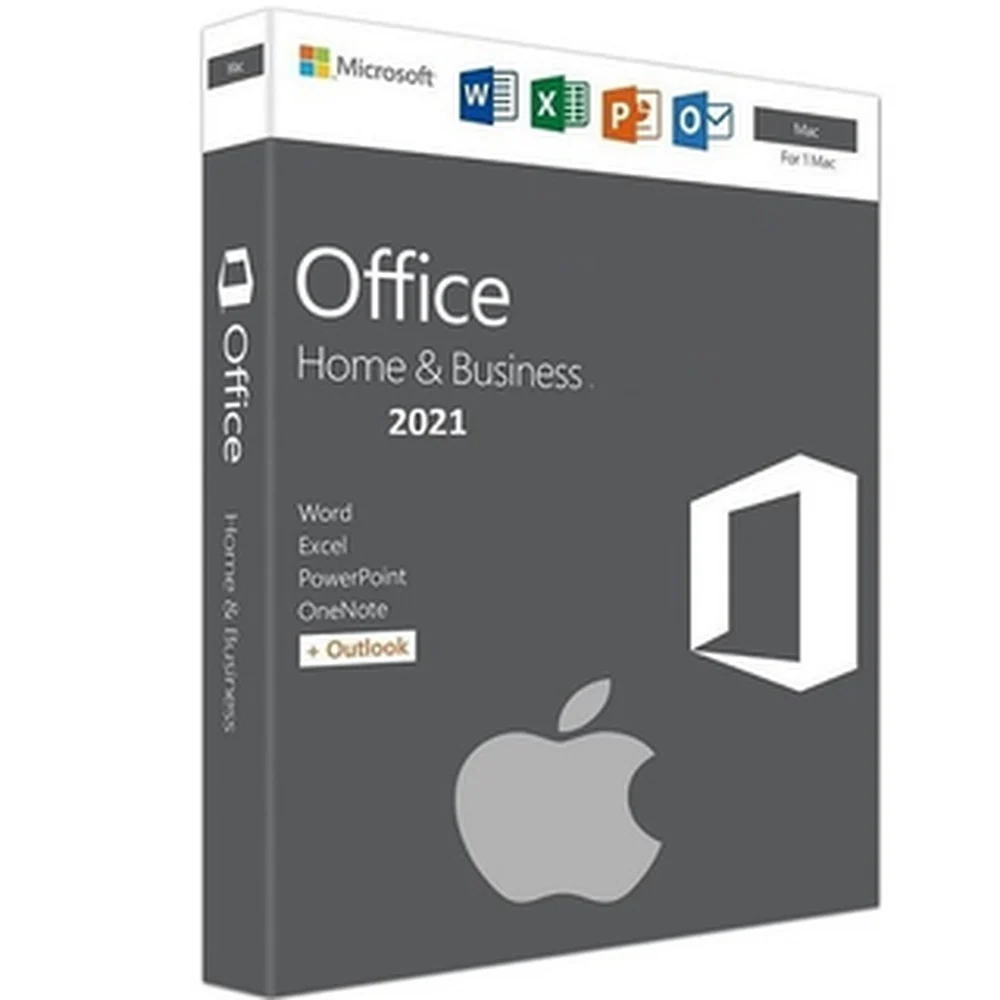
Microsoft Office 2021 Home and Business for Mac — Genuine Bind License | Instant Delivery
Microsoft Office 2021 Home and Business for Mac is the latest perpetual Office suite for Mac users, featuring updated versions of Word, Excel, PowerPoint, Outlook, and OneNote. This bind licence connects to your Microsoft account for easy activation and management. Perfect for home users, freelancers, and small businesses who want the newest Office experience without a subscription.
What's Included
- 1x Genuine Microsoft Office 2021 Home and Business bind licence for Mac
- Applications: Word, Excel, PowerPoint, Outlook, OneNote
- Bind activation — linked to your Microsoft account
- Instant digital delivery via email
- Lifetime licence — one-time purchase, no recurring fees
Key Features
- Updated Word with co-authoring, accessibility tools, and modern templates
- Excel with XLOOKUP, dynamic arrays, and LET function
- PowerPoint with recording, ink replay, and new slide show features
- Outlook with improved search, calendar, and scheduling
- Native support for Apple Silicon (M1, M2, M3 chips)
- Dark Mode across all Office applications
- Performance improvements over Office 2019
- Bind activation for seamless account-based licensing
System Requirements
- macOS: Three most recent versions of macOS
- Processor: Intel or Apple Silicon
- RAM: 4 GB
- Storage: 10 GB available disk space
- Display: 1280 x 800 resolution
- Internet connection required for activation
How to Activate
- Purchase and receive your bind licence details via email
- Sign in at office.com with your Microsoft account
- The licence binds to your account — download Office for Mac
- Install and sign in to activate all applications
- You are now fully activated with Office 2021 for Mac
Why Buy From Softwareg.com.au
Softwareg.com.au has 21,000+ verified reviews and a 4.71/5 star rating. We deliver genuine Microsoft bind licences instantly. Secure Shopify Payments checkout and dedicated customer support ensure a seamless buying experience. Get the latest Office for Mac without the subscription — one-time purchase, lifetime use.
Order your Microsoft Office 2021 Home and Business for Mac today and enjoy the latest productivity tools with instant delivery.
Office 2021 for Mac — Edition Comparison
| Feature | Office 2021 Home & Business (Mac) | Office 365 (Mac) |
|---|---|---|
| Apps | Word, Excel, PowerPoint, Outlook, OneNote | All Office apps + Teams |
| Licence | Perpetual (one-time) | Subscription |
| Updates | Security only | Continuous |
| Cloud Storage | None | 1 TB OneDrive |
| Devices | 1 Mac | Up to 5 |
Frequently Asked Questions
Is this a genuine Office 2021 for Mac licence?
Yes — genuine Microsoft licence from an authorised Microsoft Partner with 148,000+ orders fulfilled.
How quickly will I receive my key?
Instantly via email — within 5 minutes.
What's the difference between this and Office 365?
Office 2021 is a one-time purchase for 1 Mac. Office 365 is subscription-based with cloud storage and multi-device access.
Can I transfer to a new Mac?
Contact Microsoft Support for transfer assistance if replacing your Mac.
Which macOS is compatible?
Requires macOS Big Sur (11) or later. Compatible with Intel and Apple Silicon (M1/M2/M3/M4) Macs.
How to Activate Office 2021 on Mac
- Receive your key via email.
- Go to setup.office.com and sign in.
- Enter your 25-character key.
- Download the .pkg installer.
- Run the installer and follow prompts.
- Open any Office app and sign in to activate.
- Verify under the app's About section.
System Requirements — Office 2021 for Mac
- OS: macOS Big Sur (11) or later
- Processor: Intel or Apple Silicon
- RAM: 4 GB
- Storage: 10 GB available
- Display: 1280 × 800
Why Buy from Softwareg.com.au?
Softwareg.com.au is a trusted Microsoft Partner that has fulfilled over 148,000 orders for customers across Australia and worldwide. We maintain a 4.26 out of 5 star rating from 5,226 verified reviews on Judge.me. Every product key is delivered instantly via email — typically within 5 minutes of purchase. If any issue arises with your licence, our 8–12 hour replacement guarantee ensures you are never left without a working key. We are a registered Australian business with ABN, and all transactions are processed securely via Shopify Payments.
Which Edition is Right for You?
| Feature | Microsoft Office 2021 Home and Business for Mac — Genuine Bind License | Instant Delivery | Office 2019 | Microsoft 365 Personal |
|---|---|---|---|
| Price | ★ One-time purchase | Lower cost (older) | Annual subscription |
| Apps | Word, Excel, PowerPoint, Outlook | Word, Excel, PowerPoint, Outlook | Full suite + Teams |
| Dark Mode | ✅ Yes | ❌ Limited | ✅ Yes |
| Collaboration Features | ✅ Improved | ❌ Basic | ✅ Full real-time |
| OneDrive Storage | 5GB (free tier) | 5GB (free tier) | 1TB included |
| Support Until | Oct 2026 | Oct 2025 | Ongoing |
| Devices | 1 PC or Mac | 1 PC or Mac | Up to 5 |
| Activation | One-time retail key | One-time retail key | Microsoft account |
Frequently Asked Questions
Is this a genuine Microsoft licence?
Yes, absolutely. Every licence sold by Softwareg.com.au is a genuine, authentic Microsoft product key. We are an authorised Microsoft Partner with over 148,000 orders fulfilled and 4.26/5 stars from 5,226 verified customer reviews. Your key is sourced through legitimate channels and will activate directly with Microsoft's servers.
How quickly will I receive my licence key?
In most cases, your licence key is delivered instantly to your email address within 5 minutes of payment being confirmed. Our automated system operates 24 hours a day, 7 days a week. If there is any unexpected delay, our support team is on hand and we guarantee replacement within 8–12 hours.
What is the difference between Office 2021 and Office 2019?
Office 2021 introduced several improvements over Office 2019, including a refreshed dark mode, improved collaboration and co-authoring features in Word and Excel, new Excel functions such as XLOOKUP and LET, enhanced PowerPoint recording capabilities, and Teams integration. Both are one-time purchases, but Office 2021 offers more modern features and extended support until October 2026. Office 2019 support ends in October 2025.
Can I transfer this licence to a new computer?
Yes. Retail product keys purchased from Softwareg.com.au are transferable. If you replace your computer, you can deactivate the licence on your old machine (or simply reformat/replace it) and activate it on your new device. This applies to Windows, Office, and most standalone software licences. Note: Volume licences (if applicable) may have different transfer rules under your organisation's agreement.
Can I install this on a Mac as well as a Windows PC?
Yes. Office 2021 and Office 2024 home editions support installation on both Windows PCs and Apple Macs — however, the licence covers one device only. If you need to run Office on both a PC and a Mac, you would need two separate licences or a Microsoft 365 subscription (which covers up to 5 devices). Please check the product description to confirm whether the specific edition you are purchasing supports macOS.
How to Activate Your Microsoft Office 2021 Home and Business for Mac — Genuine Bind License | Instant Delivery
- Visit office.com/setup in your web browser.
- Sign in with your Microsoft account (or create a free one if you do not already have one).
- Enter your 25-character product key when prompted and click Next.
- Select your region (Australia) and confirm your language preference.
- Click Install Office to download the Office installer.
- Run the downloaded installer and follow the on-screen prompts — installation typically takes 5–10 minutes depending on your internet speed.
- Once installation is complete, open any Office application (e.g. Word) and sign in with the same Microsoft account to complete activation.
- Office will verify your licence online automatically. You will see "Activated" in the Account section of any Office app.
System Requirements
- Operating System: Windows 10, Windows 11, or macOS 12 (Monterey) or later
- Processor: 1.6GHz or faster, 2-core
- RAM: 4GB (64-bit); 2GB (32-bit)
- Storage: 4GB available disk space
- Display: 1024×768 resolution
- Internet: Required for activation and initial download
- Browser: Current version of Edge, Chrome, Firefox, or Safari (for web features)
Why Buy From Softwareg.com.au?
- ✅ Authorised Microsoft Partner
- ✅ 148,000+ orders fulfilled
- ✅ 4.26/5 stars from 5,226 verified reviews
- ✅ Instant delivery — keys delivered in under 5 minutes
- ✅ 8–12 hour replacement guarantee
- ✅ Australian business, ABN registered
- ✅ Secure checkout via Shopify Payments
Original: $118.15
-70%$118.15
$35.45More Images
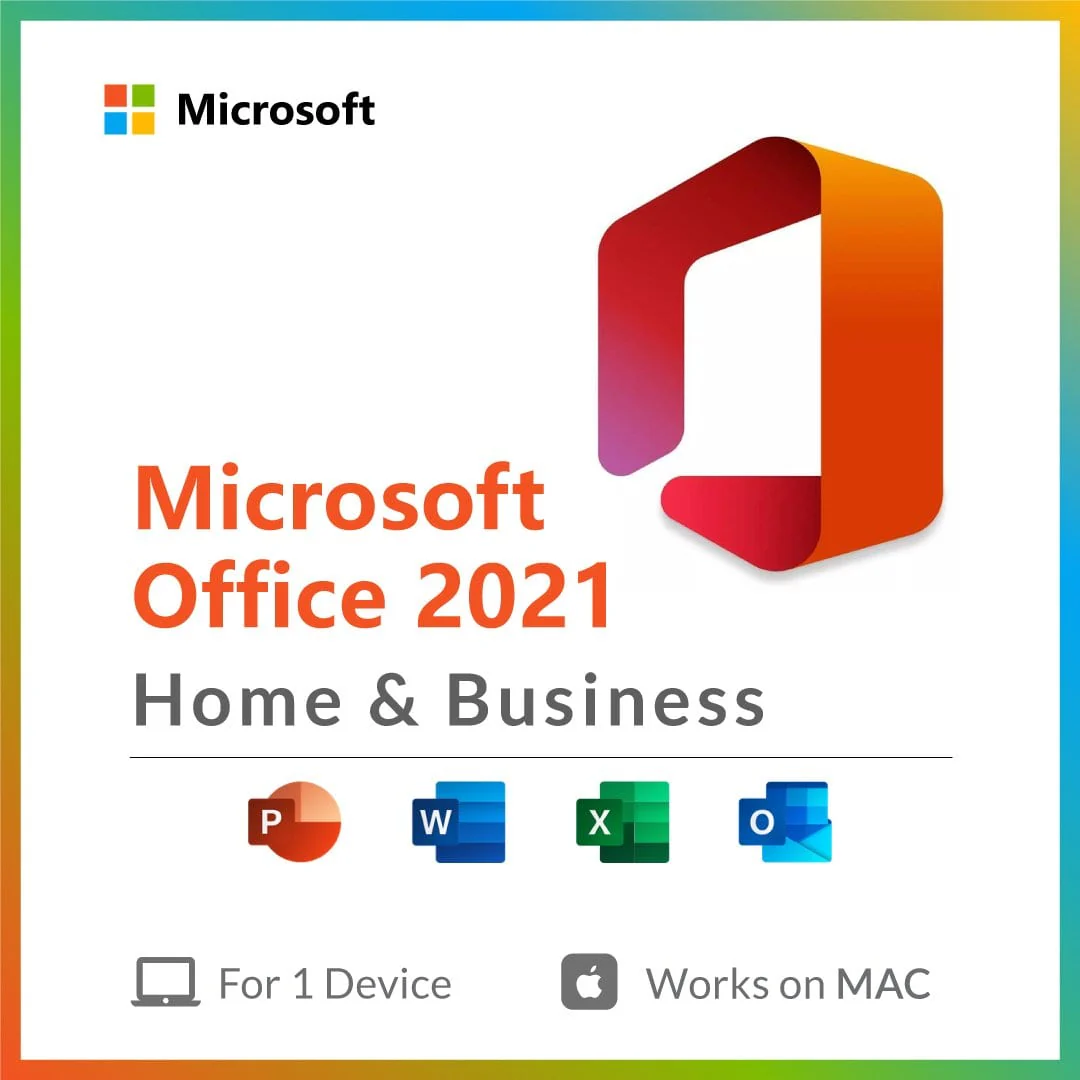
Microsoft Office 2021 Home and Business for Mac — Genuine Bind License | Instant Delivery
Microsoft Office 2021 Home and Business for Mac is the latest perpetual Office suite for Mac users, featuring updated versions of Word, Excel, PowerPoint, Outlook, and OneNote. This bind licence connects to your Microsoft account for easy activation and management. Perfect for home users, freelancers, and small businesses who want the newest Office experience without a subscription.
What's Included
- 1x Genuine Microsoft Office 2021 Home and Business bind licence for Mac
- Applications: Word, Excel, PowerPoint, Outlook, OneNote
- Bind activation — linked to your Microsoft account
- Instant digital delivery via email
- Lifetime licence — one-time purchase, no recurring fees
Key Features
- Updated Word with co-authoring, accessibility tools, and modern templates
- Excel with XLOOKUP, dynamic arrays, and LET function
- PowerPoint with recording, ink replay, and new slide show features
- Outlook with improved search, calendar, and scheduling
- Native support for Apple Silicon (M1, M2, M3 chips)
- Dark Mode across all Office applications
- Performance improvements over Office 2019
- Bind activation for seamless account-based licensing
System Requirements
- macOS: Three most recent versions of macOS
- Processor: Intel or Apple Silicon
- RAM: 4 GB
- Storage: 10 GB available disk space
- Display: 1280 x 800 resolution
- Internet connection required for activation
How to Activate
- Purchase and receive your bind licence details via email
- Sign in at office.com with your Microsoft account
- The licence binds to your account — download Office for Mac
- Install and sign in to activate all applications
- You are now fully activated with Office 2021 for Mac
Why Buy From Softwareg.com.au
Softwareg.com.au has 21,000+ verified reviews and a 4.71/5 star rating. We deliver genuine Microsoft bind licences instantly. Secure Shopify Payments checkout and dedicated customer support ensure a seamless buying experience. Get the latest Office for Mac without the subscription — one-time purchase, lifetime use.
Order your Microsoft Office 2021 Home and Business for Mac today and enjoy the latest productivity tools with instant delivery.
Office 2021 for Mac — Edition Comparison
| Feature | Office 2021 Home & Business (Mac) | Office 365 (Mac) |
|---|---|---|
| Apps | Word, Excel, PowerPoint, Outlook, OneNote | All Office apps + Teams |
| Licence | Perpetual (one-time) | Subscription |
| Updates | Security only | Continuous |
| Cloud Storage | None | 1 TB OneDrive |
| Devices | 1 Mac | Up to 5 |
Frequently Asked Questions
Is this a genuine Office 2021 for Mac licence?
Yes — genuine Microsoft licence from an authorised Microsoft Partner with 148,000+ orders fulfilled.
How quickly will I receive my key?
Instantly via email — within 5 minutes.
What's the difference between this and Office 365?
Office 2021 is a one-time purchase for 1 Mac. Office 365 is subscription-based with cloud storage and multi-device access.
Can I transfer to a new Mac?
Contact Microsoft Support for transfer assistance if replacing your Mac.
Which macOS is compatible?
Requires macOS Big Sur (11) or later. Compatible with Intel and Apple Silicon (M1/M2/M3/M4) Macs.
How to Activate Office 2021 on Mac
- Receive your key via email.
- Go to setup.office.com and sign in.
- Enter your 25-character key.
- Download the .pkg installer.
- Run the installer and follow prompts.
- Open any Office app and sign in to activate.
- Verify under the app's About section.
System Requirements — Office 2021 for Mac
- OS: macOS Big Sur (11) or later
- Processor: Intel or Apple Silicon
- RAM: 4 GB
- Storage: 10 GB available
- Display: 1280 × 800
Why Buy from Softwareg.com.au?
Softwareg.com.au is a trusted Microsoft Partner that has fulfilled over 148,000 orders for customers across Australia and worldwide. We maintain a 4.26 out of 5 star rating from 5,226 verified reviews on Judge.me. Every product key is delivered instantly via email — typically within 5 minutes of purchase. If any issue arises with your licence, our 8–12 hour replacement guarantee ensures you are never left without a working key. We are a registered Australian business with ABN, and all transactions are processed securely via Shopify Payments.
Which Edition is Right for You?
| Feature | Microsoft Office 2021 Home and Business for Mac — Genuine Bind License | Instant Delivery | Office 2019 | Microsoft 365 Personal |
|---|---|---|---|
| Price | ★ One-time purchase | Lower cost (older) | Annual subscription |
| Apps | Word, Excel, PowerPoint, Outlook | Word, Excel, PowerPoint, Outlook | Full suite + Teams |
| Dark Mode | ✅ Yes | ❌ Limited | ✅ Yes |
| Collaboration Features | ✅ Improved | ❌ Basic | ✅ Full real-time |
| OneDrive Storage | 5GB (free tier) | 5GB (free tier) | 1TB included |
| Support Until | Oct 2026 | Oct 2025 | Ongoing |
| Devices | 1 PC or Mac | 1 PC or Mac | Up to 5 |
| Activation | One-time retail key | One-time retail key | Microsoft account |
Frequently Asked Questions
Is this a genuine Microsoft licence?
Yes, absolutely. Every licence sold by Softwareg.com.au is a genuine, authentic Microsoft product key. We are an authorised Microsoft Partner with over 148,000 orders fulfilled and 4.26/5 stars from 5,226 verified customer reviews. Your key is sourced through legitimate channels and will activate directly with Microsoft's servers.
How quickly will I receive my licence key?
In most cases, your licence key is delivered instantly to your email address within 5 minutes of payment being confirmed. Our automated system operates 24 hours a day, 7 days a week. If there is any unexpected delay, our support team is on hand and we guarantee replacement within 8–12 hours.
What is the difference between Office 2021 and Office 2019?
Office 2021 introduced several improvements over Office 2019, including a refreshed dark mode, improved collaboration and co-authoring features in Word and Excel, new Excel functions such as XLOOKUP and LET, enhanced PowerPoint recording capabilities, and Teams integration. Both are one-time purchases, but Office 2021 offers more modern features and extended support until October 2026. Office 2019 support ends in October 2025.
Can I transfer this licence to a new computer?
Yes. Retail product keys purchased from Softwareg.com.au are transferable. If you replace your computer, you can deactivate the licence on your old machine (or simply reformat/replace it) and activate it on your new device. This applies to Windows, Office, and most standalone software licences. Note: Volume licences (if applicable) may have different transfer rules under your organisation's agreement.
Can I install this on a Mac as well as a Windows PC?
Yes. Office 2021 and Office 2024 home editions support installation on both Windows PCs and Apple Macs — however, the licence covers one device only. If you need to run Office on both a PC and a Mac, you would need two separate licences or a Microsoft 365 subscription (which covers up to 5 devices). Please check the product description to confirm whether the specific edition you are purchasing supports macOS.
How to Activate Your Microsoft Office 2021 Home and Business for Mac — Genuine Bind License | Instant Delivery
- Visit office.com/setup in your web browser.
- Sign in with your Microsoft account (or create a free one if you do not already have one).
- Enter your 25-character product key when prompted and click Next.
- Select your region (Australia) and confirm your language preference.
- Click Install Office to download the Office installer.
- Run the downloaded installer and follow the on-screen prompts — installation typically takes 5–10 minutes depending on your internet speed.
- Once installation is complete, open any Office application (e.g. Word) and sign in with the same Microsoft account to complete activation.
- Office will verify your licence online automatically. You will see "Activated" in the Account section of any Office app.
System Requirements
- Operating System: Windows 10, Windows 11, or macOS 12 (Monterey) or later
- Processor: 1.6GHz or faster, 2-core
- RAM: 4GB (64-bit); 2GB (32-bit)
- Storage: 4GB available disk space
- Display: 1024×768 resolution
- Internet: Required for activation and initial download
- Browser: Current version of Edge, Chrome, Firefox, or Safari (for web features)
Why Buy From Softwareg.com.au?
- ✅ Authorised Microsoft Partner
- ✅ 148,000+ orders fulfilled
- ✅ 4.26/5 stars from 5,226 verified reviews
- ✅ Instant delivery — keys delivered in under 5 minutes
- ✅ 8–12 hour replacement guarantee
- ✅ Australian business, ABN registered
- ✅ Secure checkout via Shopify Payments
Product Information
Product Information
Shipping & Returns
Shipping & Returns
Description
Microsoft Office 2021 Home and Business for Mac is the latest perpetual Office suite for Mac users, featuring updated versions of Word, Excel, PowerPoint, Outlook, and OneNote. This bind licence connects to your Microsoft account for easy activation and management. Perfect for home users, freelancers, and small businesses who want the newest Office experience without a subscription.
What's Included
- 1x Genuine Microsoft Office 2021 Home and Business bind licence for Mac
- Applications: Word, Excel, PowerPoint, Outlook, OneNote
- Bind activation — linked to your Microsoft account
- Instant digital delivery via email
- Lifetime licence — one-time purchase, no recurring fees
Key Features
- Updated Word with co-authoring, accessibility tools, and modern templates
- Excel with XLOOKUP, dynamic arrays, and LET function
- PowerPoint with recording, ink replay, and new slide show features
- Outlook with improved search, calendar, and scheduling
- Native support for Apple Silicon (M1, M2, M3 chips)
- Dark Mode across all Office applications
- Performance improvements over Office 2019
- Bind activation for seamless account-based licensing
System Requirements
- macOS: Three most recent versions of macOS
- Processor: Intel or Apple Silicon
- RAM: 4 GB
- Storage: 10 GB available disk space
- Display: 1280 x 800 resolution
- Internet connection required for activation
How to Activate
- Purchase and receive your bind licence details via email
- Sign in at office.com with your Microsoft account
- The licence binds to your account — download Office for Mac
- Install and sign in to activate all applications
- You are now fully activated with Office 2021 for Mac
Why Buy From Softwareg.com.au
Softwareg.com.au has 21,000+ verified reviews and a 4.71/5 star rating. We deliver genuine Microsoft bind licences instantly. Secure Shopify Payments checkout and dedicated customer support ensure a seamless buying experience. Get the latest Office for Mac without the subscription — one-time purchase, lifetime use.
Order your Microsoft Office 2021 Home and Business for Mac today and enjoy the latest productivity tools with instant delivery.
Office 2021 for Mac — Edition Comparison
| Feature | Office 2021 Home & Business (Mac) | Office 365 (Mac) |
|---|---|---|
| Apps | Word, Excel, PowerPoint, Outlook, OneNote | All Office apps + Teams |
| Licence | Perpetual (one-time) | Subscription |
| Updates | Security only | Continuous |
| Cloud Storage | None | 1 TB OneDrive |
| Devices | 1 Mac | Up to 5 |
Frequently Asked Questions
Is this a genuine Office 2021 for Mac licence?
Yes — genuine Microsoft licence from an authorised Microsoft Partner with 148,000+ orders fulfilled.
How quickly will I receive my key?
Instantly via email — within 5 minutes.
What's the difference between this and Office 365?
Office 2021 is a one-time purchase for 1 Mac. Office 365 is subscription-based with cloud storage and multi-device access.
Can I transfer to a new Mac?
Contact Microsoft Support for transfer assistance if replacing your Mac.
Which macOS is compatible?
Requires macOS Big Sur (11) or later. Compatible with Intel and Apple Silicon (M1/M2/M3/M4) Macs.
How to Activate Office 2021 on Mac
- Receive your key via email.
- Go to setup.office.com and sign in.
- Enter your 25-character key.
- Download the .pkg installer.
- Run the installer and follow prompts.
- Open any Office app and sign in to activate.
- Verify under the app's About section.
System Requirements — Office 2021 for Mac
- OS: macOS Big Sur (11) or later
- Processor: Intel or Apple Silicon
- RAM: 4 GB
- Storage: 10 GB available
- Display: 1280 × 800
Why Buy from Softwareg.com.au?
Softwareg.com.au is a trusted Microsoft Partner that has fulfilled over 148,000 orders for customers across Australia and worldwide. We maintain a 4.26 out of 5 star rating from 5,226 verified reviews on Judge.me. Every product key is delivered instantly via email — typically within 5 minutes of purchase. If any issue arises with your licence, our 8–12 hour replacement guarantee ensures you are never left without a working key. We are a registered Australian business with ABN, and all transactions are processed securely via Shopify Payments.
Which Edition is Right for You?
| Feature | Microsoft Office 2021 Home and Business for Mac — Genuine Bind License | Instant Delivery | Office 2019 | Microsoft 365 Personal |
|---|---|---|---|
| Price | ★ One-time purchase | Lower cost (older) | Annual subscription |
| Apps | Word, Excel, PowerPoint, Outlook | Word, Excel, PowerPoint, Outlook | Full suite + Teams |
| Dark Mode | ✅ Yes | ❌ Limited | ✅ Yes |
| Collaboration Features | ✅ Improved | ❌ Basic | ✅ Full real-time |
| OneDrive Storage | 5GB (free tier) | 5GB (free tier) | 1TB included |
| Support Until | Oct 2026 | Oct 2025 | Ongoing |
| Devices | 1 PC or Mac | 1 PC or Mac | Up to 5 |
| Activation | One-time retail key | One-time retail key | Microsoft account |
Frequently Asked Questions
Is this a genuine Microsoft licence?
Yes, absolutely. Every licence sold by Softwareg.com.au is a genuine, authentic Microsoft product key. We are an authorised Microsoft Partner with over 148,000 orders fulfilled and 4.26/5 stars from 5,226 verified customer reviews. Your key is sourced through legitimate channels and will activate directly with Microsoft's servers.
How quickly will I receive my licence key?
In most cases, your licence key is delivered instantly to your email address within 5 minutes of payment being confirmed. Our automated system operates 24 hours a day, 7 days a week. If there is any unexpected delay, our support team is on hand and we guarantee replacement within 8–12 hours.
What is the difference between Office 2021 and Office 2019?
Office 2021 introduced several improvements over Office 2019, including a refreshed dark mode, improved collaboration and co-authoring features in Word and Excel, new Excel functions such as XLOOKUP and LET, enhanced PowerPoint recording capabilities, and Teams integration. Both are one-time purchases, but Office 2021 offers more modern features and extended support until October 2026. Office 2019 support ends in October 2025.
Can I transfer this licence to a new computer?
Yes. Retail product keys purchased from Softwareg.com.au are transferable. If you replace your computer, you can deactivate the licence on your old machine (or simply reformat/replace it) and activate it on your new device. This applies to Windows, Office, and most standalone software licences. Note: Volume licences (if applicable) may have different transfer rules under your organisation's agreement.
Can I install this on a Mac as well as a Windows PC?
Yes. Office 2021 and Office 2024 home editions support installation on both Windows PCs and Apple Macs — however, the licence covers one device only. If you need to run Office on both a PC and a Mac, you would need two separate licences or a Microsoft 365 subscription (which covers up to 5 devices). Please check the product description to confirm whether the specific edition you are purchasing supports macOS.
How to Activate Your Microsoft Office 2021 Home and Business for Mac — Genuine Bind License | Instant Delivery
- Visit office.com/setup in your web browser.
- Sign in with your Microsoft account (or create a free one if you do not already have one).
- Enter your 25-character product key when prompted and click Next.
- Select your region (Australia) and confirm your language preference.
- Click Install Office to download the Office installer.
- Run the downloaded installer and follow the on-screen prompts — installation typically takes 5–10 minutes depending on your internet speed.
- Once installation is complete, open any Office application (e.g. Word) and sign in with the same Microsoft account to complete activation.
- Office will verify your licence online automatically. You will see "Activated" in the Account section of any Office app.
System Requirements
- Operating System: Windows 10, Windows 11, or macOS 12 (Monterey) or later
- Processor: 1.6GHz or faster, 2-core
- RAM: 4GB (64-bit); 2GB (32-bit)
- Storage: 4GB available disk space
- Display: 1024×768 resolution
- Internet: Required for activation and initial download
- Browser: Current version of Edge, Chrome, Firefox, or Safari (for web features)
Why Buy From Softwareg.com.au?
- ✅ Authorised Microsoft Partner
- ✅ 148,000+ orders fulfilled
- ✅ 4.26/5 stars from 5,226 verified reviews
- ✅ Instant delivery — keys delivered in under 5 minutes
- ✅ 8–12 hour replacement guarantee
- ✅ Australian business, ABN registered
- ✅ Secure checkout via Shopify Payments